Antonette Ortiz

Web

I'm a Washington, DC based Software Developer.
Passionate about creating beautiful web applications, with extensive
knowledge in multiple front-end and back-end technologies. Highly-motivated and self-driven individual.
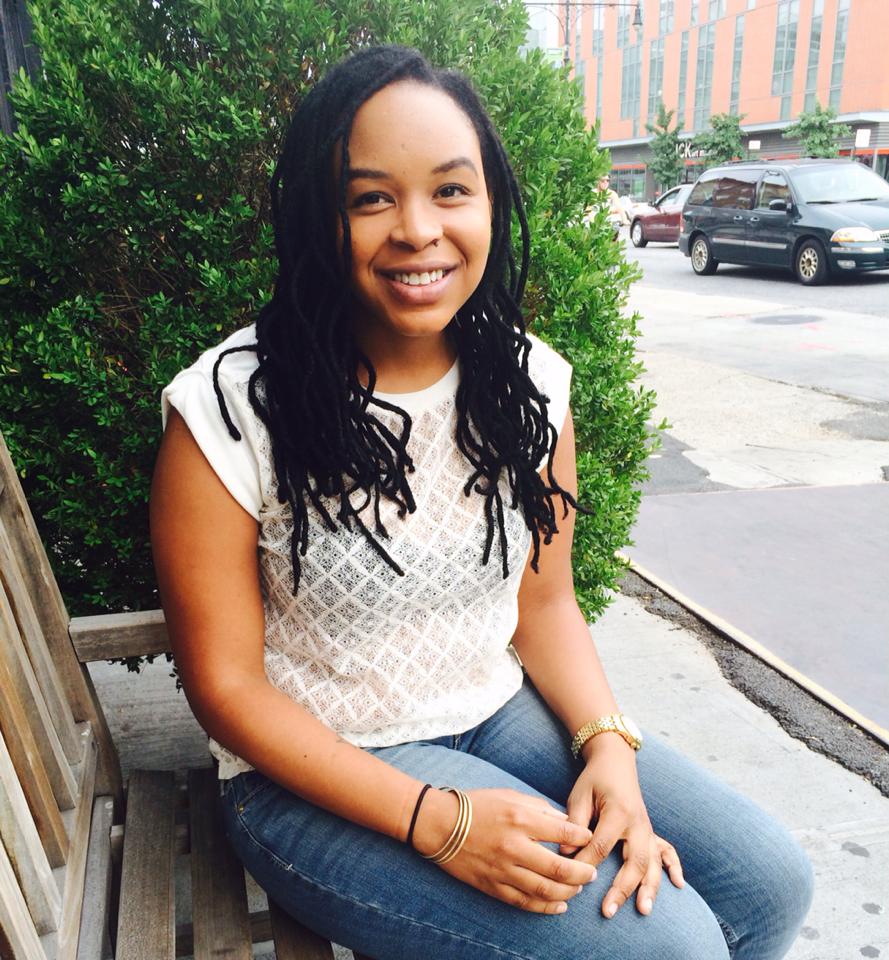
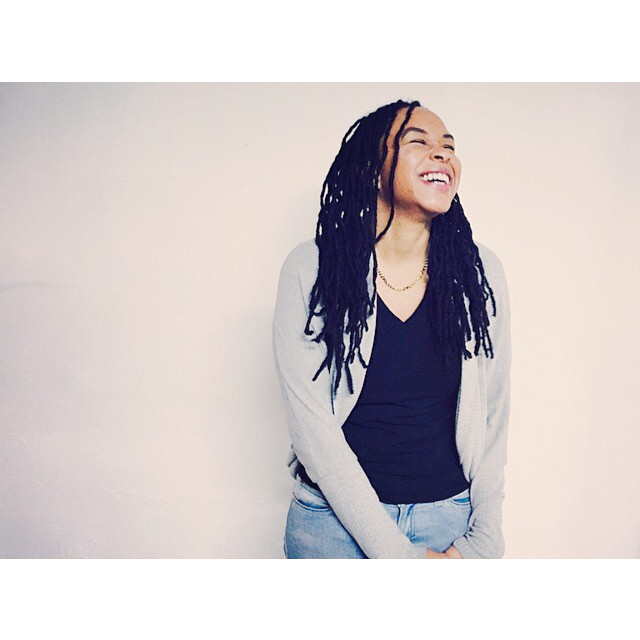
Profile Picture

About

Myself

Recently graduated from General Assembly Software Immersive boot camp, I fell in love with computer programming. As a developer, what drew me in was the huge impact that can be made on people and society through creating web applications. The challenges are also facinating, with the growth of technology there is always something new to learn or a more efficient way of coding.

I enjoy the process of getting better and building on what I have learned at boot camp and I am excited to continue building on what I have learned. I am a quick learner with an eye for detail and a passion for design. I would be thrilled to work in a collaborative environment to develop innovative solutions and use the skills I have learned.

Skills

What I can do

Web Design

I value simple content structure, clean design patterns and thoughtful interactions.

Web Development

I like to code things from scratch, and enjoy bringing ideas to life in the browser.

Back-end Dev

I like to create simple yet elegant solutions for the backend, Node.Js is the language I speak.

Portfolio

View some of my recent work
Web Development

Music Library

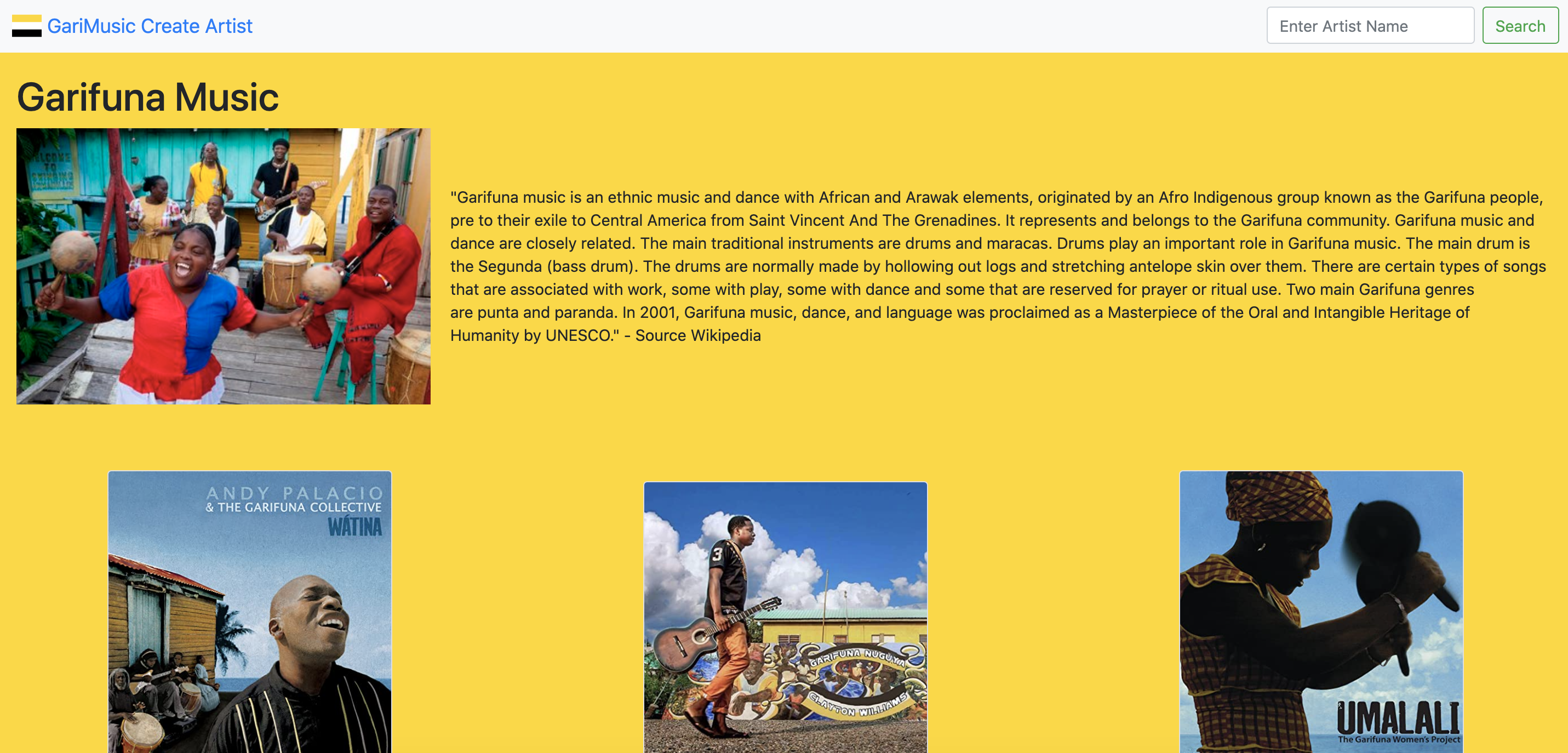
Frontend web application connected to a backend database, Garifuna Music showcases Garifuna artists and their albums. Through this MERN application, users have full CRUD capabilities.

Technologies Used: MongoDB, Express, React, Node.js

View Code View Site More info
GOAL:

Create a website to host Garifuna Musicians and their singles and/or albums. Users have full CRUD functionality; adding, updating and deleting artist information. Currently Garifuna music is pretty local to the areas where the musicians live. This application is an effort to make the music genre more global.

LEARNING POINTS:
  • Fetching information from an API which I built myself. This was a pretty easy task, because I knew the data model and how to extract the data. What did not come easy, what deciding how I wanted to present the data in a clean UI. At first I started out using material UI, but that proved to be difficult because of all the preset CSS. I then switched to Bootstrap which is a lot simplier and easy to manipulate.
  • Overwriting Bootstrap default styles. I learned a lot about the importance of !important (he-he-he) and ended up in StackOverflow plenty times to see how to disable some of Bootstrap's native behavior.
  • Mobile responsiveness. At first I handled it with flexbox, but during this project I finally got to first name basis with Bootstrap grid system too. Differences between BS3 and BS4 sometimes caused problem, since you use the screen size prefix -sm- or -lg- differently, but once you get a hang of it, it flies like a dream!
  • Less is more. At first I wanted to use an image as a background, but with all the artwork being displayed cluttered everything and made it hard to focus on the actual important information: artist, album and song. So I decided to go for a simple approach using a solid color, making sure that the background does not compete with the content and text is easily legible.
Web Development

Weather App

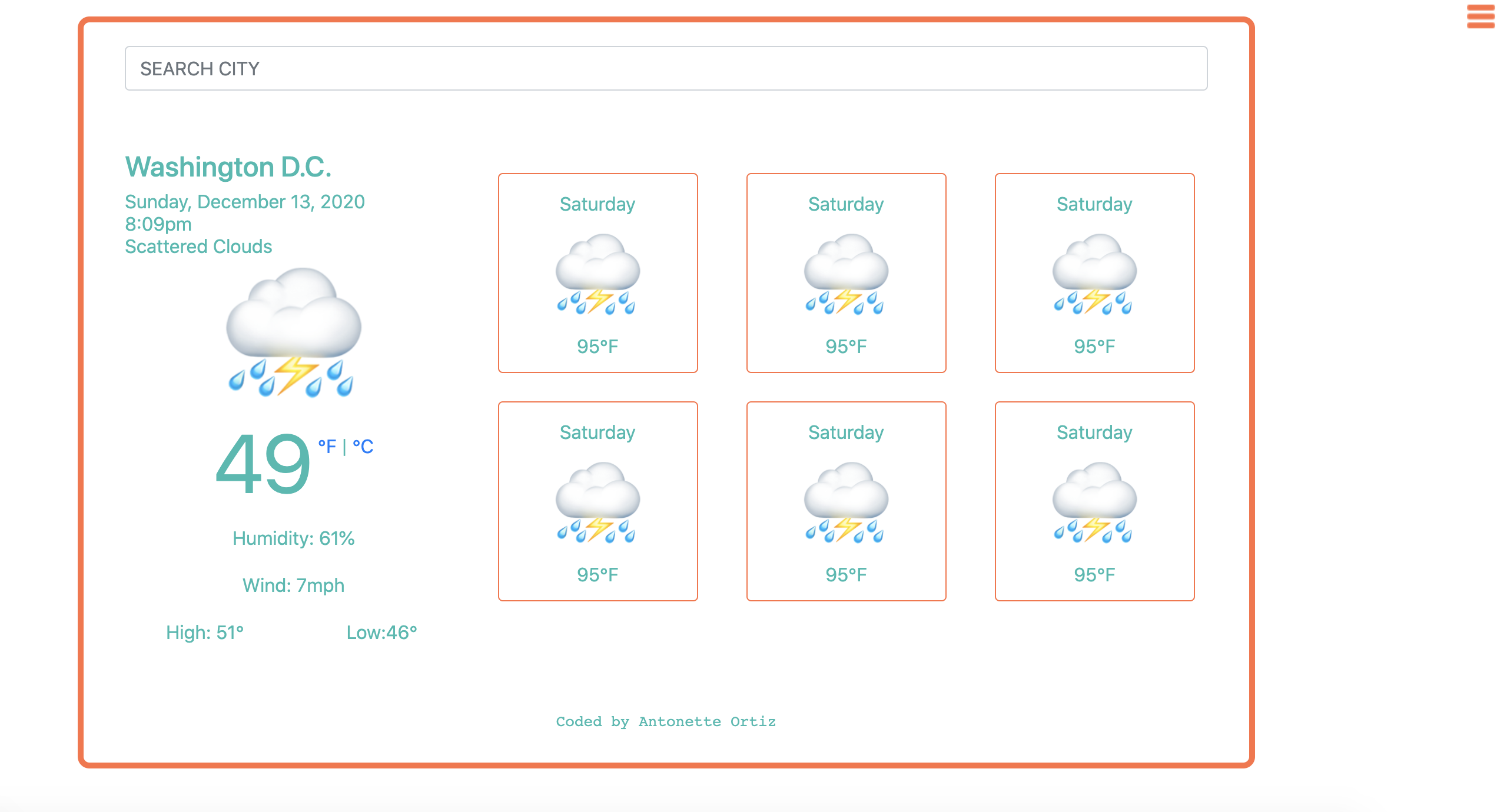
This project uses the open weather api to load the seven day forecast. When the user searches for a city, the forcast and location is updated to the city searched. All information is populated via the API. Hamburger menu to the right side with pre-loaded favorite cities.

Technologies Used: HTML, CSS, JavaScript

View Code View Site More info
GOAL:

The goal of this project was to challenge myself in combining my programming skills in Javascript with my skills building out user interfaces with HTML and CSS. Choose one UI Pattern and an API and combine the two. The data to populate the UI Pattern should come from the API. When the user loads the page, they should see the data from the API load into the UI pattern on the screen.

Using the hamburger menu UI, when the user clicks on it, a menu should appear from off of the right side of the screen with a list of menu items. When the user clicks on the menu item, the contents in the center of the page should change to show the details for that item. The user should be able to see which item is currently selected. The user should be able to close the menu by clicking the hamburger menu again.

LEARNING POINTS:
  • Navigating the OpenWeather API and its documentation. This was my first experience with using an API, making a request and console logging the response from the API. Once I had the data fetched in the console log, I then had to read through the documentation and decide what information I wanted to present in the UI.
  • In choosing the hamburger menu UI, I had to figure out how to implement the hamburger menu icon and have it positioned in the right corner of the page. After tons of googling, I found came across Font Awesome and they seemed like the easiest to use. I was able to quickly add it to my HTML without any downloading as well as easily manipulate size and color through CSS.
  • The temperature data from the OpenWeather API was presented in celcius. Googling the formula to convert from celcius to fahrenheit to celcius was fairly easy, but using that formula in a function not so much. Eventually after many trial and error I was able to convert the temperature from one unit to another and give user functionality to choose which unit they wanted the temperature displayed in.
  • This was my first project where I designed the entire interface, color scheme and layout. My desire is to always keep the layout as simple as possible but keeping in mind the experience of the user. I spent quite some time on palette creating sites and ultimately decided on an orange and turquoise color scheme. Eventually, I would like to add a background, but I haven't quite found one that fit the overall theme and feel I am trying to achieve.
Web Design

Blog Design Mockup

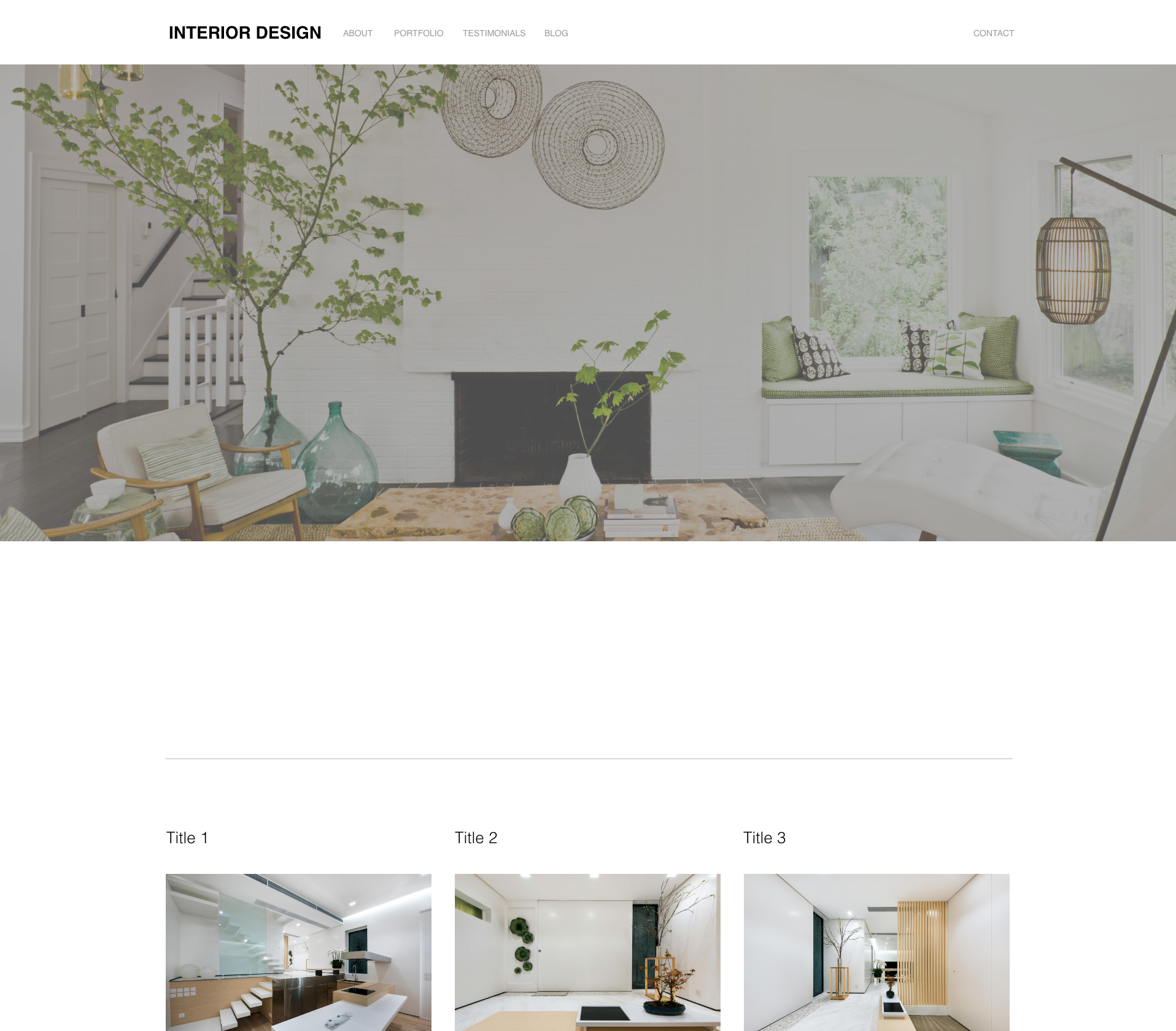
This project is a mockup that imitates the adobe xd design called interior.xd. It is responsive to resizing for various technologies.

Technologies Used: HTML, CSS

View Code View Site More info
GOAL:

Build a responsive website using HTML and CSS.

LEARNING POINTS:
  • Translating someone else's idea into code has its challenges. The most difficult was deciding what HTML element was appropriate to bring the design to life. For example using a div vs a p tag as they are both block level elements, this exercise helped to further cement the functionality of each element.
  • There are about 520 CSS properties and whew I got my first dose of the CSS rabbit hole. Luckily this project used the basic and most commonly known properties. I got to play around with grid and flexbox which both make a world of difference when manipulating elements.
  • Using media queries to rearrange the content so it looks good on different devices was a challenge. An important lesson here was learning to the class naming cadence. When trying to efficently grab elements by their class name, I realized that I was too vague and had to go back and efficently rename elements.

Work Experience

Past and Current jobs
  • Ralph Lauren | Product Manager - Women's Collection

    Managed the full product development life cycle within the Women's Collection brand. Partnered with the Design, Merchandising, Technical Design, and Raw Materials Teams, as well as Sourcing Offices, Factories & Mills to ensure the integrity of product from salesman sample to bulk production.

  • General Assembly | Software Engineer Fellowship

    Graduated from a rigorous 500 hour software engineering fellowship spanning 12 weeks. Built applications with the MERN stack and applied front-end and back-end programming technologies: JavaScript, HTML, CSS, Python, MongoDB and Express.

  • One Jeanswear | Product Development Associate Manager

    Coordinated and managed the development and approval needs for our brands. Oversaw product from initial design concept to bulk ensuring time & action calendar deadlines were met. Mentored and trained new hires.

  • Line Dry Apparel | Product Manager Associate

    Responsible for securing the aesthetic / design elements – understanding design/brand requirements and translating that to Line Dry vendors domestically and internationally,

Personal

Who is the person behind the keyboard?

I was born and raised in a small town in Dangriga, Belize. Ever since I was a kid, building things from coffee tables to now web applications has always brought me so much joy. I've always been fascinated with how things work and got in trouble plenty of times for taking things apart. It's no surprise that I have ended up in this career field.

Profile Picture

Contact

Let's connect